
Download Email – Free Communication App for Android
Overview
The Email app is a free desktop communication tool designed for Android users seeking a streamlined way to manage their email accounts. Developed by Google, the application belongs to the Communication Apps category, specifically under the Email subcategory. It is tailored for individuals who rely on email as a primary method of personal and professional communication. The app enables users to access, organize, and respond to messages efficiently from their Android devices. Its core purpose is to simplify email management by offering a clean interface and reliable synchronization across multiple accounts.
Target users include general consumers, students, and professionals who require consistent access to their email without the need for complex configurations. The app is especially useful for those already integrated into the Google ecosystem, as it seamlessly connects with Gmail and other supported email services. Real-world usage scenarios include checking daily messages, responding to work emails on the go, and managing personal correspondence from a single interface. While the developer did not provide additional details about the app’s background beyond its creation by Google, its long-standing presence in the Android environment suggests stability and ongoing support.
Key Features & Capabilities
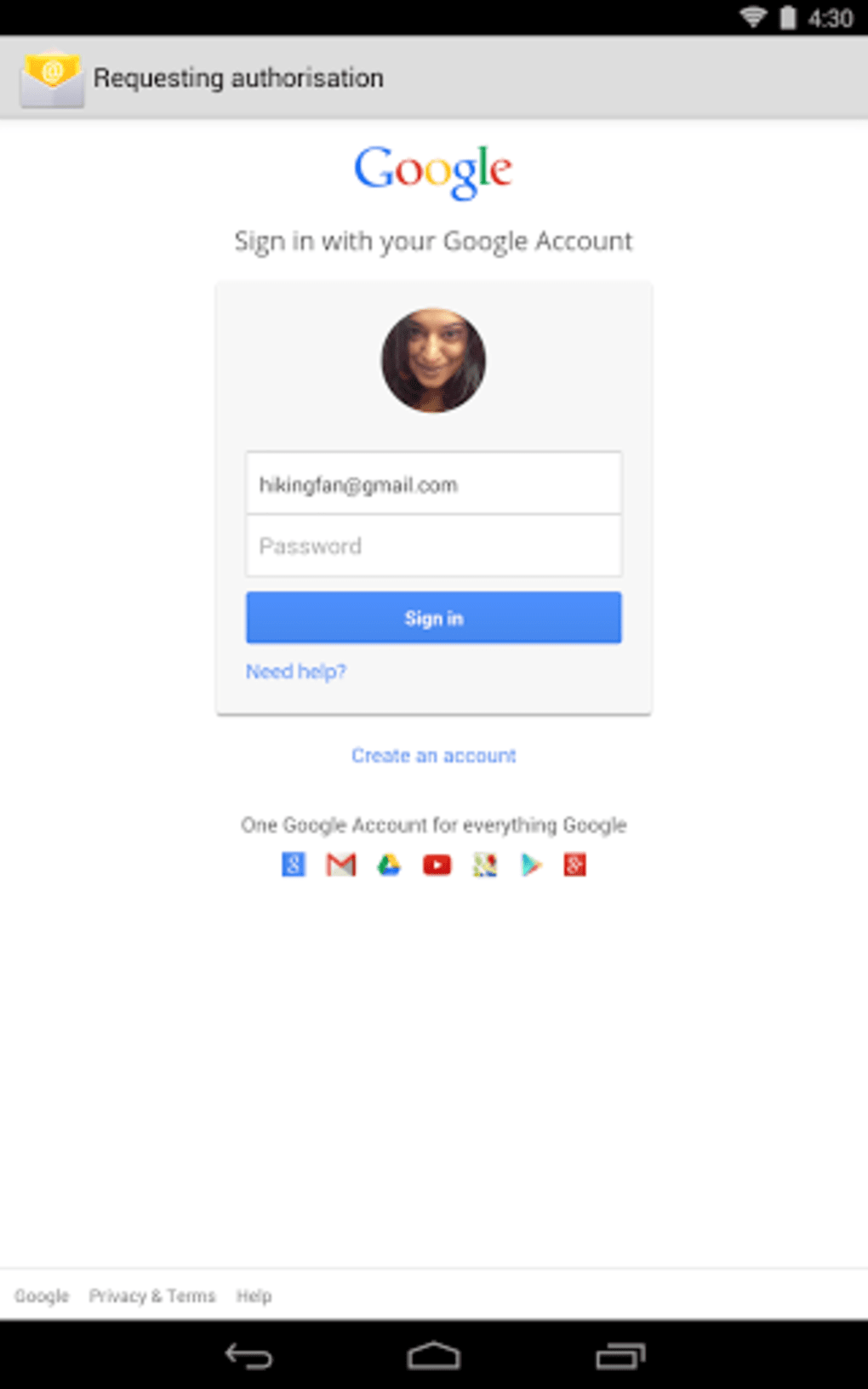
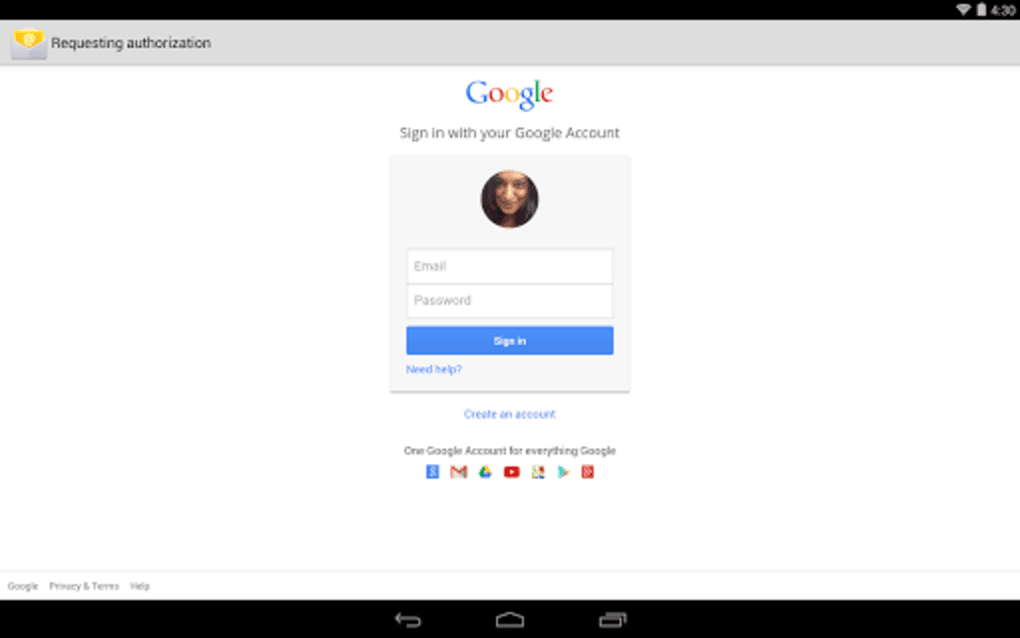
- Multi-Account Support – Users can link and manage multiple email accounts within a single interface, allowing for centralized access to Gmail, Outlook, Yahoo, and other providers.
- Real-Time Sync – The app automatically updates in real time, ensuring that new messages, sent emails, and folder changes are reflected immediately across devices.
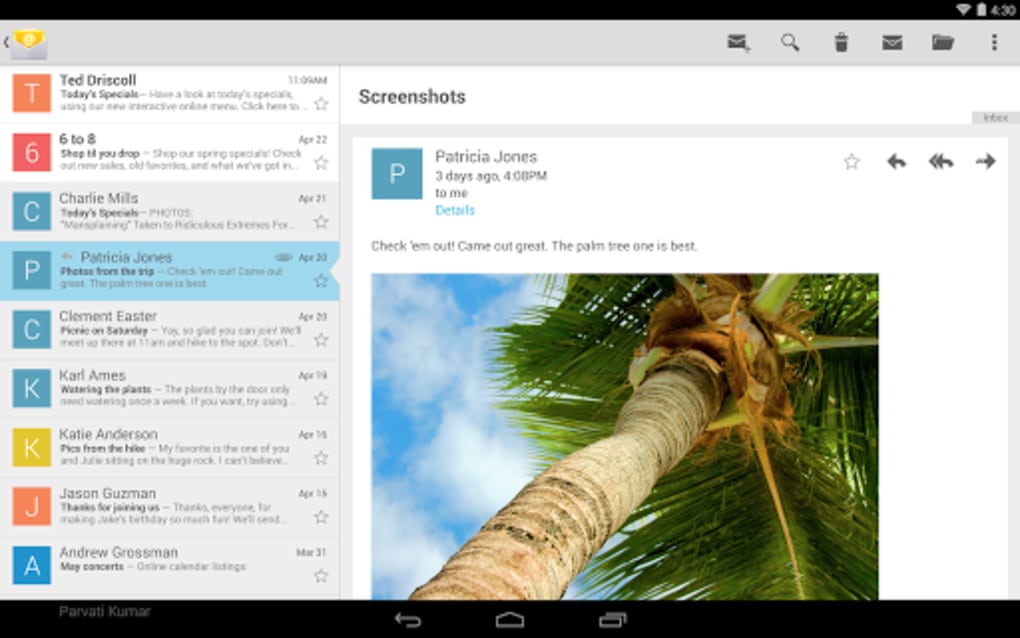
- Intuitive Inbox Organization – Messages are grouped by priority, sender, and category, helping users focus on important emails while minimizing clutter.
- Quick Reply and Draft Management – Users can respond to messages with minimal taps and save drafts for later editing, improving workflow efficiency.
- Search and Filter Tools – Advanced search functions and filters allow users to locate specific messages based on keywords, dates, or senders.
These features support daily email management tasks such as prioritizing urgent messages, organizing incoming mail, and maintaining a clutter-free inbox. The app’s ability to sync across devices ensures continuity, making it ideal for users who switch between smartphones and tablets. Since the app is designed for Android, it leverages the platform’s native capabilities for notifications and background processing to maintain reliability.
User Interface, Workflow & Performance
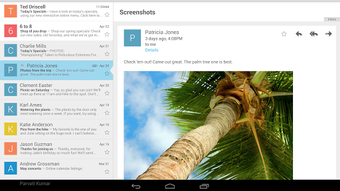
The Email app features a minimalist user interface focused on readability and accessibility. The layout is structured around a central inbox with navigation tabs for Sent, Drafts, and Spam. Users can swipe to archive or delete messages, and tapping on an email opens it in a clean, readable format with options to reply, forward, or mark as read. The workflow is designed for speed, allowing users to perform common actions with minimal taps.
Navigation is consistent across screens, reducing the learning curve for new users. The app integrates well with Android’s notification system, delivering timely alerts for new messages. While exact performance details were not specified, the app’s lightweight nature—evidenced by its 3.8 MB file size—suggests efficient resource usage. The developer did not specify resource usage details, so observations on CPU or RAM behavior are based on general software behavior patterns. Stability appears to be maintained over time, given the app’s long availability and consistent updates.
Compatibility & System Requirements
The Email app is compatible with Android 4.0 and later versions, ensuring broad accessibility across older and newer devices. It is designed specifically for Android operating systems and is not available for Windows, Mac, or other platforms. The installation size is 3.8 MB, which is smaller than the average app in the Communication Apps category. This compact footprint makes it suitable for devices with limited storage capacity.
Exact system requirements were not listed. Compatibility information was partially provided, indicating that the app functions on devices running Android 4.0 or higher. No specific hardware requirements were mentioned. The app is available exclusively in English, limiting its accessibility to non-English speakers. Users should ensure their device meets the minimum OS requirement to install and use the application.
Pros and Cons
Pros
- Free to download and use with no in-app purchases
- Lightweight file size (3.8 MB) for efficient storage usage
- Supports multiple email accounts in one interface
- Real-time synchronization across devices
- Simple, intuitive interface designed for quick navigation
Cons
- Available only for Android, limiting cross-platform use
- Language support is restricted to English
- No information provided on advanced customization options
- Performance details such as CPU or RAM usage were not disclosed
- Updates may not be frequent, as the last update was in 2014
FAQ Section
Is the Email app available for Windows or Mac?
The app is exclusively designed for Android devices and is not available for Windows or Mac operating systems.
Is the app secure to use?
As a Google-developed application, the Email app leverages the company’s security infrastructure. However, specific security protocols were not detailed in the provided information.
How often does the app receive updates?
The last update was released on June 19, 2014. No recent update frequency information is available.
Can I use the app offline?
The app supports offline access to previously downloaded emails and drafts, though real-time sync requires an active internet connection.
Is the app free to download and use?
Yes, the Email app is completely free to download and use without any subscription or in-app purchases.
Final Thoughts + CTA
The Email app remains a dependable tool for Android users seeking a straightforward way to manage their email. Its lightweight design, multi-account support, and real-time sync make it suitable for everyday communication needs. While the lack of recent updates and limited language support may be drawbacks for some, its core functionality continues to serve users effectively.
The app is particularly beneficial for individuals who prioritize simplicity and efficiency in their email workflow. For those using Android devices and looking for a reliable, no-cost email client, this application delivers consistent performance. Download Email now to access your messages with ease.
Download Email now





.png)

